General information
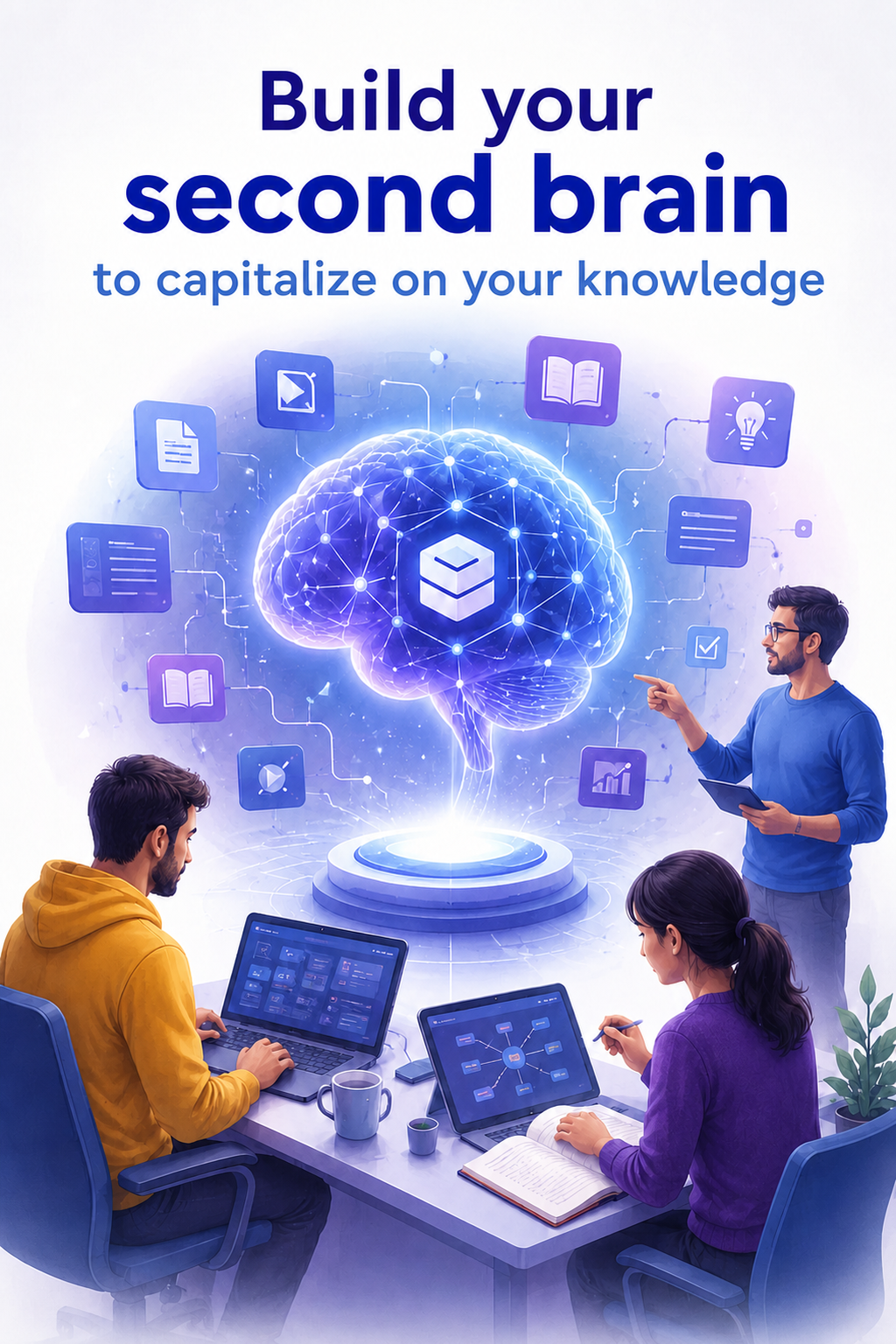
This advanced two-day training course enables participants to design a reliable, connected and automated professional second brain. It combines a structured Obsidian knowledge base with a production assistant such as Codex or Claude Code, then extends the environment with MCP servers, reusable workflows and controlled automations.
Participants work with their own information and leave with an architecture suited to their activities, several operational connections, reusable templates and instructions, and a first documented and secure automated workflow.
Objectives and target skills
-
Design a second-brain architecture suited to the organization’s processes, responsibilities and constraints.
-
Structure a knowledge base that can be used by both people and AI assistants, with naming rules, metadata and source traceability.
-
Understand MCP architecture and securely connect the assistant to internal and external data or services.
-
Create reusable instructions, templates and skills to make recurring tasks reliable.
-
Automate a workflow for capturing, qualifying, summarizing, filing and publishing information.
-
Implement human controls, permissions, logs and tests to keep AI actions under control.
-
Maintain, evaluate and evolve the system without degrading knowledge quality.
Audience
Executives, activity managers, innovation managers, consultants, trainers, process owners and advanced users who want to connect and automate their knowledge environment with AI.
Prerequisites
-
Participants must bring a PC or Mac and have the permissions required to install software.
-
An active paid ChatGPT Plus or Claude subscription providing access to Codex or Claude Code is required.
-
Participants should bring one or two real use cases, examples of non-sensitive documents and access to the services to be connected during the workshops.
Duration
2 days, or 14 hours.
Training content
Day 1 - Design and connect the second brain
-
Frame use cases, sources, governance, confidentiality and human approvals.
-
Structure the Obsidian hierarchy, metadata, templates and anti-duplication rules.
-
Guide the assistant with persistent instructions, authorized sources and verifiable steps.
-
Configure an MCP server and connect a useful source such as files, documentation, CRM or calendar.
-
Secure access and secrets, then test actions, logs and rollback procedures.
Day 2 - Industrialize and automate usage
-
Formalize a reusable workflow: trigger, inputs, steps, controls, outputs and error handling.
-
Automate knowledge capture, qualification, filing and duplicate-safe updates.
-
Configure manual, scheduled or event-driven processing with useful notifications and recovery.
-
Define tests, quality criteria, human controls, traceability and periodic reviews.
-
Complete a capstone workshop with MCP, an operational deliverable and a 30-day roadmap.
Deliverables produced during the training
-
Target second-brain architecture and management conventions.
-
Structured Obsidian vault or migration plan for the existing vault.
-
One or more tested and documented MCP connections.
-
Initial library of reusable templates, instructions and skills.
-
Complete automated workflow with human controls and logging.
-
Security checklist, test set and 30-day roadmap.
Access conditions
Registration lead time: from 2 months to 1 week before the training starts, subject to available seats and scheduling constraints.
See the General Terms and Conditions of Sale: https://www.opcoach.com/cgv.
Registration is completed on the OPCoach website using a link provided in the invitation. This registration collects information about the participant, their professional environment, role, expectations and prerequisites before the training starts.
Accessibility for people with disabilities
People with disabilities may have specific accessibility needs to attend the training. Please contact us so that we can discuss suitable arrangements.
Training format
On-site or remote training.
Fees
Inter-company training: EUR 1,750 excluding VAT. In-company and custom training: please contact us.
Subscriptions to AI tools, connected services and any third-party services are not included in the fee. Access required for the workshops must be available before the course.
Group size
From 1 to 8 participants, on site or remotely.
Schedule
Schedule available on https://www.opcoach.com/.
Training location
Inter-company training takes place in our InterIndep premises at 2 impasse Michel Labrousse, 31100 Toulouse. The training room is accessible by public transport and by car, and has parking facilities. Several restaurants and a hotel are located nearby. A break area is available for cold and hot drinks during breaks. All these facilities are accessible to people with reduced mobility.
In-company training is preferably delivered at the client’s premises. Hosting conditions are validated before the training.
Remote training is delivered with Zoom and can be organized as inter-company or in-company training.
Teaching approach
Alternating short lectures and individual hands-on exercises on a workstation. Sharing and discussion of the results obtained.
Teaching resources
On site: training room with video projector, whiteboard, high-speed Wi-Fi and a training binder provided to the participant.
Remote: high-speed internet access, webcam, free Zoom software, PDF course material sent to the participant. One workstation per participant.
Trainer supervision
Olivier Prouvost, DEA in Computer Science, recognized open source expert and trainer for more than 20 years, developer of AI solutions to optimize SMEs, speaker at international conferences, Eclipse committer on several projects, founder of OPCoach, a Qualiopi-certified training organization since 2020, and ICPF & PSI certified expert trainer and consultant.
Learning assessment
Continuous assessment through the completion of the practical exercises, leading to the creation of a functional prototype.
Recognition
A certificate of skills is provided to the participant.
Satisfaction assessment
At the end of the training, the participant completes a satisfaction survey and takes part in a group feedback session. The participant benefits from unlimited email support for practical questions related to the training. After 3 months, or after applying the training in the workplace, a follow-up questionnaire is completed to assess practical use.
Technical, teaching, administrative and financial contact
Olivier Prouvost, +33 6 28 07 65 64, contact@opcoach.ai